Add custom fields to jobs
Overview
Custom fields can be set up to allow additional information to be stored against a job. These are in the form of additional fields in the Fields tab of each record, and they can be configured to be shown and editable in the web app and/or mobile app.
Configure custom fields for work
Custom fields can be configured in Skedulo for Salesforce. For more information on creating and managing custom fields, see:
Note
Only administrators can create new fields.View custom fields
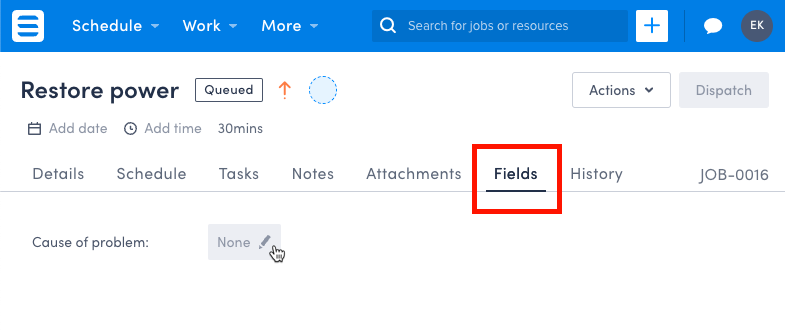
Once configured, custom fields are displayed in the job details view, under the Fields tab.
Custom field input types
Custom fields can include a range of input types including:
- Text fields
- Labels
- Lookups
- Picklists
- Multi-Picklists
- Rich text
- URLs
- Numbers
- Date and/or Time
- Checkboxes
Note
Custom fields do not have any validation in the Skedulo web app. Any restrictions on these fields in Salesforce will result in an error if the field is updated to an invalid value.
Special cases: Salesforce “Rich Text” fields are read-only in the Skedulo web app.
Feedback
Was this page helpful?